Edit, Grade & Deliver
DAVINCI RESOLVE
course that is Hands On Practical Career Oriented Personalised Industry Standard
DaVinci Resolve Video Editing Course
Edit Like A Professional!
Already shoot your own videos, or work with a videographer, and want to edit professionally? This 8-week course teaches you video editing, colour grading and audio finishing in DaVinci Resolve.
You do not need to know how to shoot. The course starts from your footage, however it was shot.
You learn in small batches with an experienced mentor who reviews your edits and gives individual feedback.
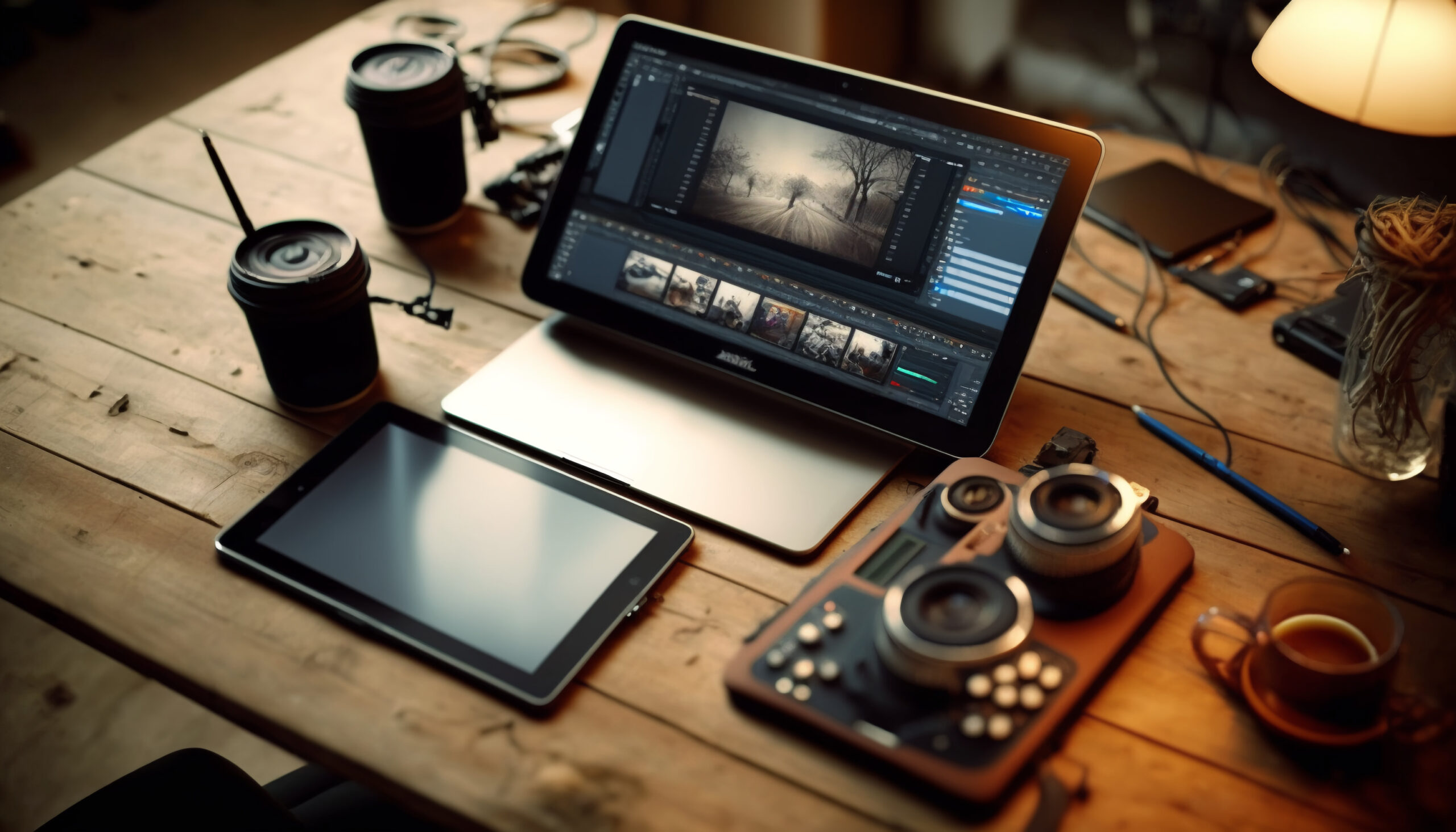
DaVinci Resolve combines editing, colour, audio and delivery in one tool, and this course teaches you to use all of it.
Go beyond lectures!
Here are some of the topics we cover in our DaVinci Resolve editing course:
Editing fundamentals: Organise footage, build a timeline, and edit for pacing, rhythm and story.
Colour correction and grading: Correct exposure and white balance, match shots, and give your video a consistent look.
Audio finishing: Clean up dialogue, balance music and sound, and mix for delivery.
Titles and delivery: Add titles and captions, and export for clients, YouTube and social platforms.
The course includes hands-on editing labs, using your own footage or practice footage that we provide, and ends with a final edited project.
Want to learn the shooting side as well? See our Professional Videography Course, or our Advanced Videography & Editing Course for both together.
Course Outline
The DaVinci Resolve Video Editing Course Is Divided Into Three Modules
Module 1: Editing Fundamentals In Resolve
- Setting up projects, organising and syncing footage.
- Editing technique, pacing, rhythm and building a story.
- Transitions, montage and multi-camera basics.
Module 2: Colour Correction & Grading
- Fundamentals of colour correction in Resolve.
- Grading for a consistent, professional look.
- Matching shots and building a look.
Module 3: Audio, Titles & Delivery
- Dialogue clean-up, music and mixing.
- Titles, captions and basic motion graphics.
- Exporting and delivering client-ready video.
By the end of this course you will be able to edit, grade and deliver a professional video in DaVinci Resolve.
Who Can Enroll?
- Videographers who shoot but outsource their editing.
- Content creators who want to move beyond basic editing apps.
- Anyone with footage to cut, however it was shot.
Equipment Required
- A laptop or desktop that can run DaVinci Resolve.
- Footage to edit – yours, or practice footage that we provide.
- DaVinci Resolve has a free version, so you can start with that.
- Not sure if your computer is suitable? Let us know, we’ll check with you.
Timing & Duration
- Course duration – 8 weeks
- Classes are conducted on weekdays.
- Batch timings are shared when you enrol and are subject to availability.
Modes Of Payment
Bank Transfer -Use convenient netbanking modes to make payment via NEFT/RTGS/IMPS
- Wallets & UPI
Cash
Credit/Debit Cards
Click Here To Pay.
Course Duration
Weekday Batches
0
Weeks
Montage is conflict.
― Sergei Eisenstein
Photo: Wikimedia Commons, public domain
 Montage is conflict.


Not sure this is the right course for you?
Answer a few friendly questions, about 3 minutes, and we will build a plan around you.
Cut, Colour, Sound
Edit, grade and mix audio inside one program.
Colour & Look
Grade your footage for a consistent, professional look.
Practice Footage
Edit your own footage, or ours if you do not have any.
Certificate
Receive an academy certificate when you complete the course.